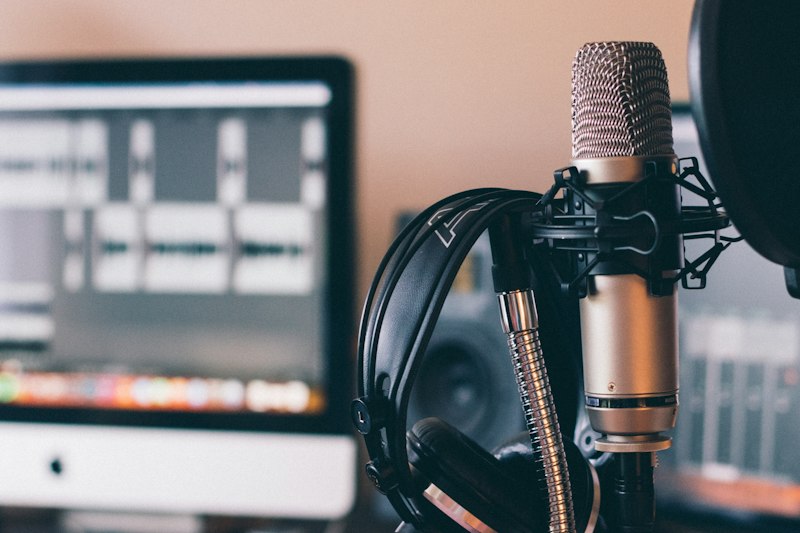
Whisper is OpenAI's gift to the world - incredibly accurate speech-to-text that runs locally and handles real-world audio like a champ.
Quick Deploy
```bash # Install with pip pip install openai-whisper
# Or with conda conda install -c conda-forge openai-whisper
# Transcribe audio whisper audio.mp3 --model medium ```
Python Usage
```python import whisper
model = whisper.load_model("medium") result = model.transcribe("audio.mp3") print(result["text"])
# With timestamps for segment in result["segments"]: print(f"[{segment['start']:.2f}s] {segment['text']}") ```
Use Cases
Meeting Transcription: Record meetings, get accurate transcripts. Works great even with multiple speakers.
Podcast Production: Auto-generate transcripts for show notes and SEO.
Video Subtitles: Generate SRT files automatically for any video.
Voice Notes: Transcribe voice memos into searchable text.
Language Learning: Transcribe foreign language audio to study.
Accessibility: Make audio content accessible to deaf/hard-of-hearing users.
Model Sizes
| Model | VRAM | Speed | Accuracy | |-------|------|-------|----------| | tiny | 1GB | Fast | Basic | | base | 1GB | Fast | Good | | small | 2GB | Medium | Better | | medium | 5GB | Slow | Great | | large | 10GB | Slowest | Best |
Pro Tips
- Use `--language` flag if you know the language - `--task translate` auto-translates to English - Faster-whisper is a speed-optimized fork - Works with 99 languages!